FuturePBX Stats gives call-centre managers the picture of the day: how many calls came in, how many were answered and how many were lost.
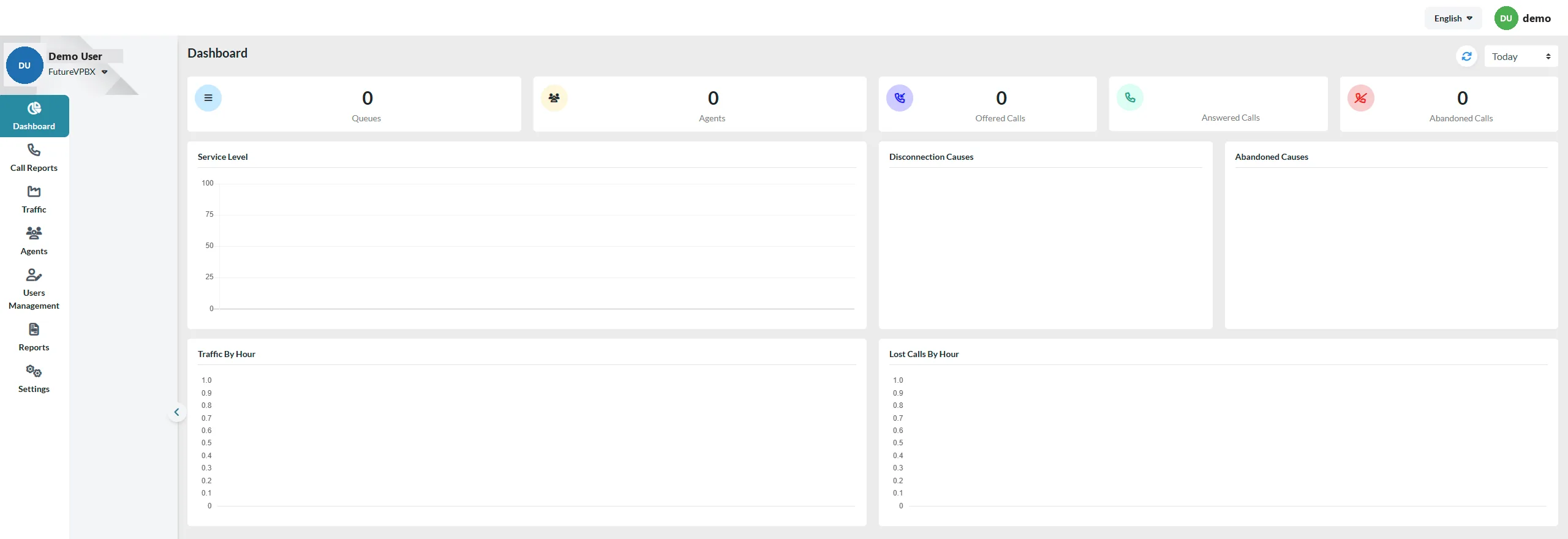
| Metric | Meaning |
|---|---|
| Queues / Agents | The queues and agents you monitor. |
| Offered Calls | All calls that entered your queues. |
| Answered / Abandoned Calls | How many were answered and how many hung up first. |
| Service Level | The share of calls answered within your target time. |
| Disconnection / Abandoned Causes | Why calls ended or were abandoned. |
| Traffic / Lost Calls By Hour | Peak hours and the hours with most lost calls. |
The left menu has detailed call, traffic and agent reports, user management and settings. Top right, choose the period (e.g. “Today”) and language.
“Lost Calls By Hour” shows when you need more agents or a callback option.