You manage your phone system from the Future CloudPBX (FuturePBX) web portal, in any modern browser. Nothing to install.
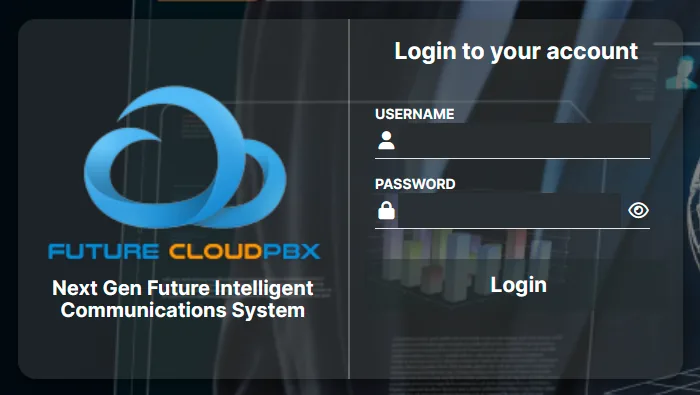
- 1Open the portal address given in your activation email.
- 2Enter your username in the “Username” field.
- 3Enter your password in the “Password” field. The eye icon shows what you typed.
- 4Click “Login”.
Bookmark the portal address so it's always one click away.
Never share your credentials. If you forgot your password or the account was locked after several failed attempts, contact support.